If you build mobile products in 2026, accessibility testing is no longer a "nice to have" task you postpone until release week. It is core product quality work.
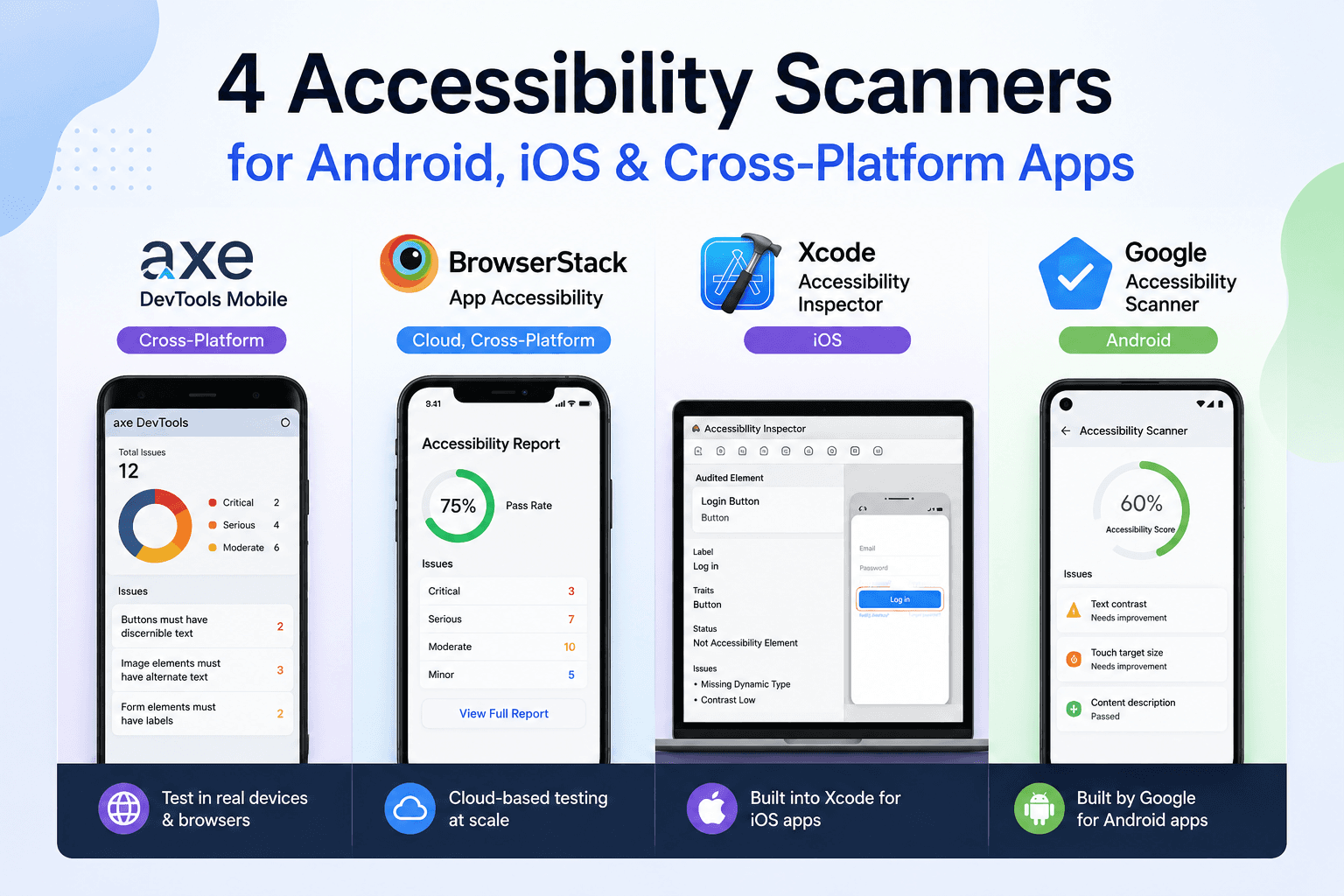
Over the last few months, I have tested with multiple tools across iOS, Android, and cross-platform apps. Some are free, some are built into platform tooling, and some are professional paid workflows. The stack that keeps standing out for me is this one:
- Xcode Accessibility Inspector (iOS)
- Google Accessibility Scanner (Android)
- axe DevTools Mobile (Cross-Platform)
- BrowserStack App Accessibility (Cloud + Real Devices)
This mix gives you a practical blend of quick wins, deep debugging, and scalable testing coverage without pretending one tool can do everything.
1) The Native Legend: Xcode Accessibility Inspector (iOS)
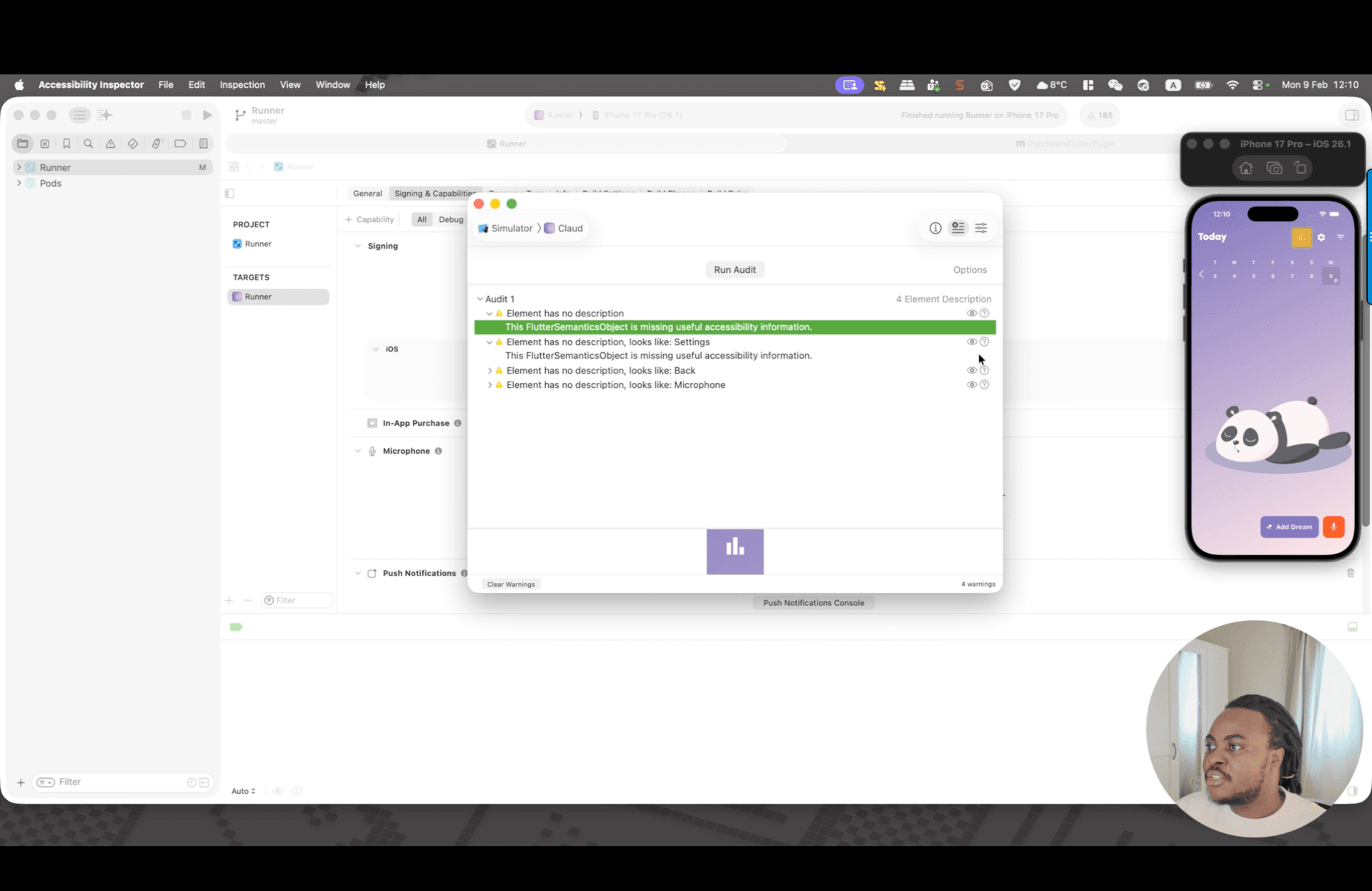
Xcode Accessibility Inspector is still the most powerful built-in accessibility tool in the Apple ecosystem. The biggest reason I rate it so highly is simple: it is not just a scanner, it is an interactive debugger.
You can inspect element semantics, run targeted audits, and test assistive settings without rebuilding your app ten times. That changes how fast you can debug.
Why it belongs in every iOS workflow
Many iOS developers do not realise they already have a serious accessibility suite inside Xcode. No extra subscription. No vendor setup. Just open the tool and start auditing.
What stands out in real use
- You can test visual accommodations like increased contrast and colour inversions while actively inspecting UI behaviour.
- You can point at an element and immediately see what assistive tech will announce.
- You can run audit checks for missing labels, trait mismatches, and Dynamic Type issues.
I am especially impressed by how quickly it helps move from "looks okay" to "works for assistive technology."
2) The Cloud Scale Engine: BrowserStack App Accessibility
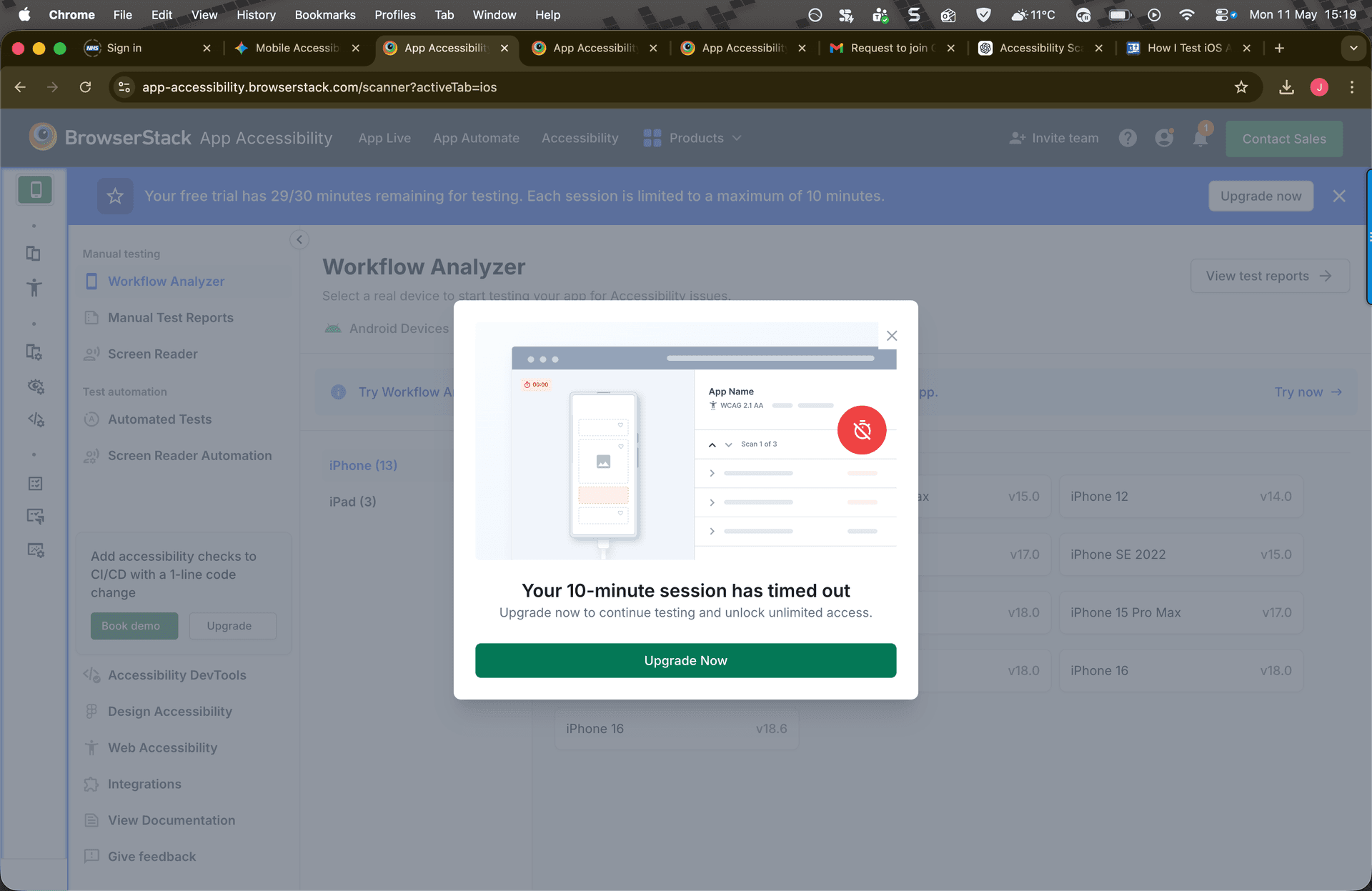
If one trend defines mobile testing in 2026, it is this: testing in the cloud on real devices.
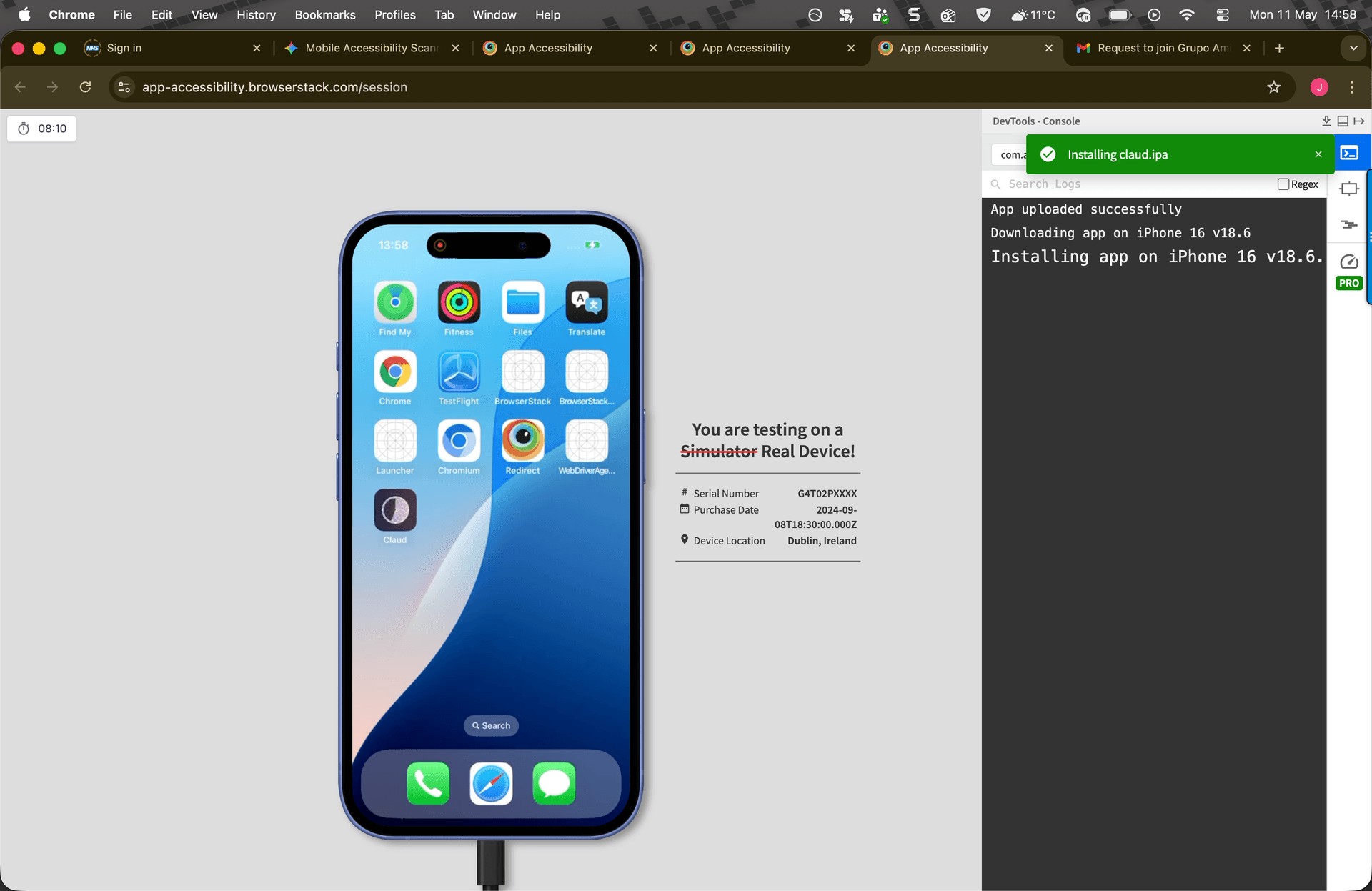
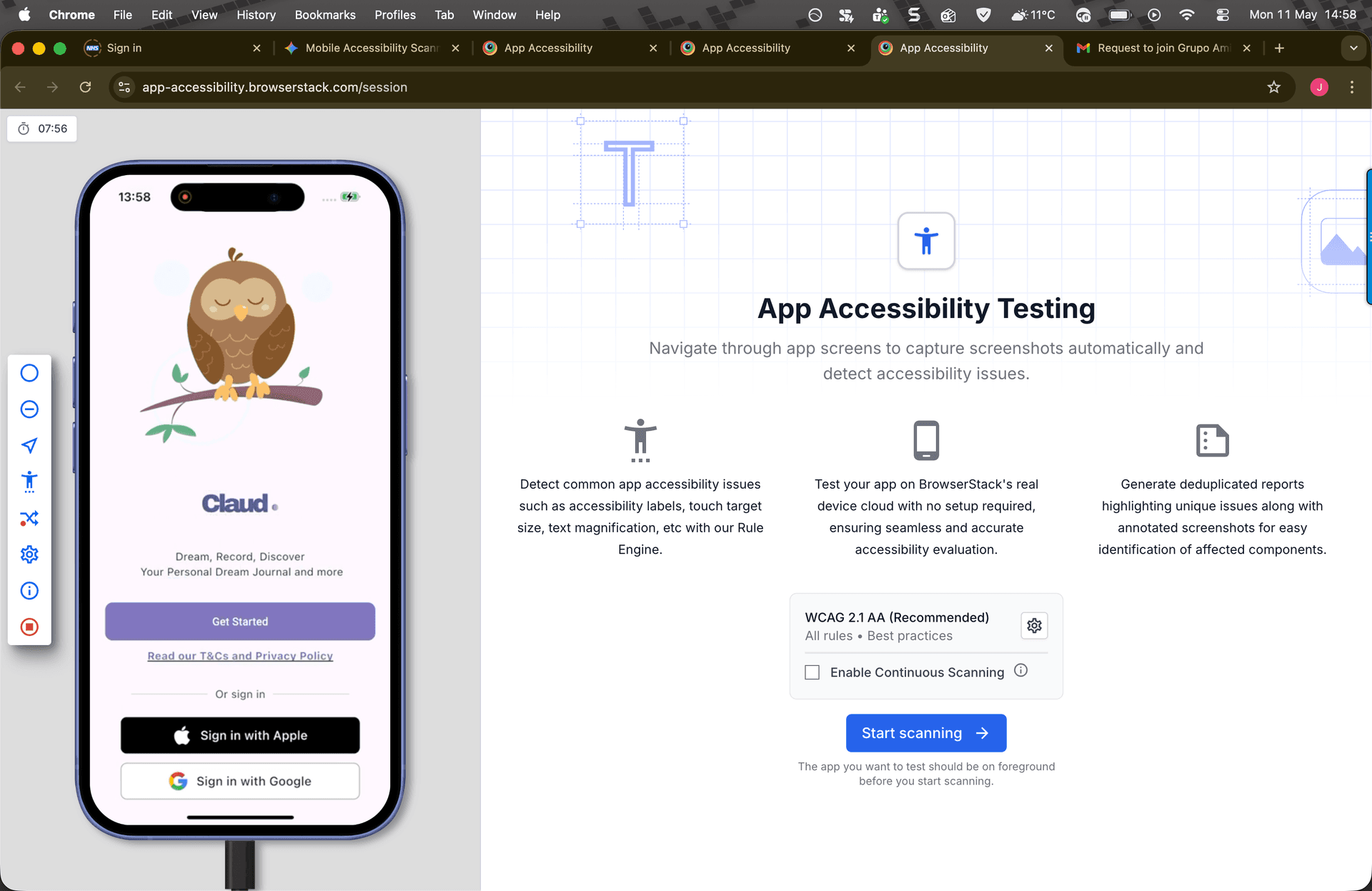
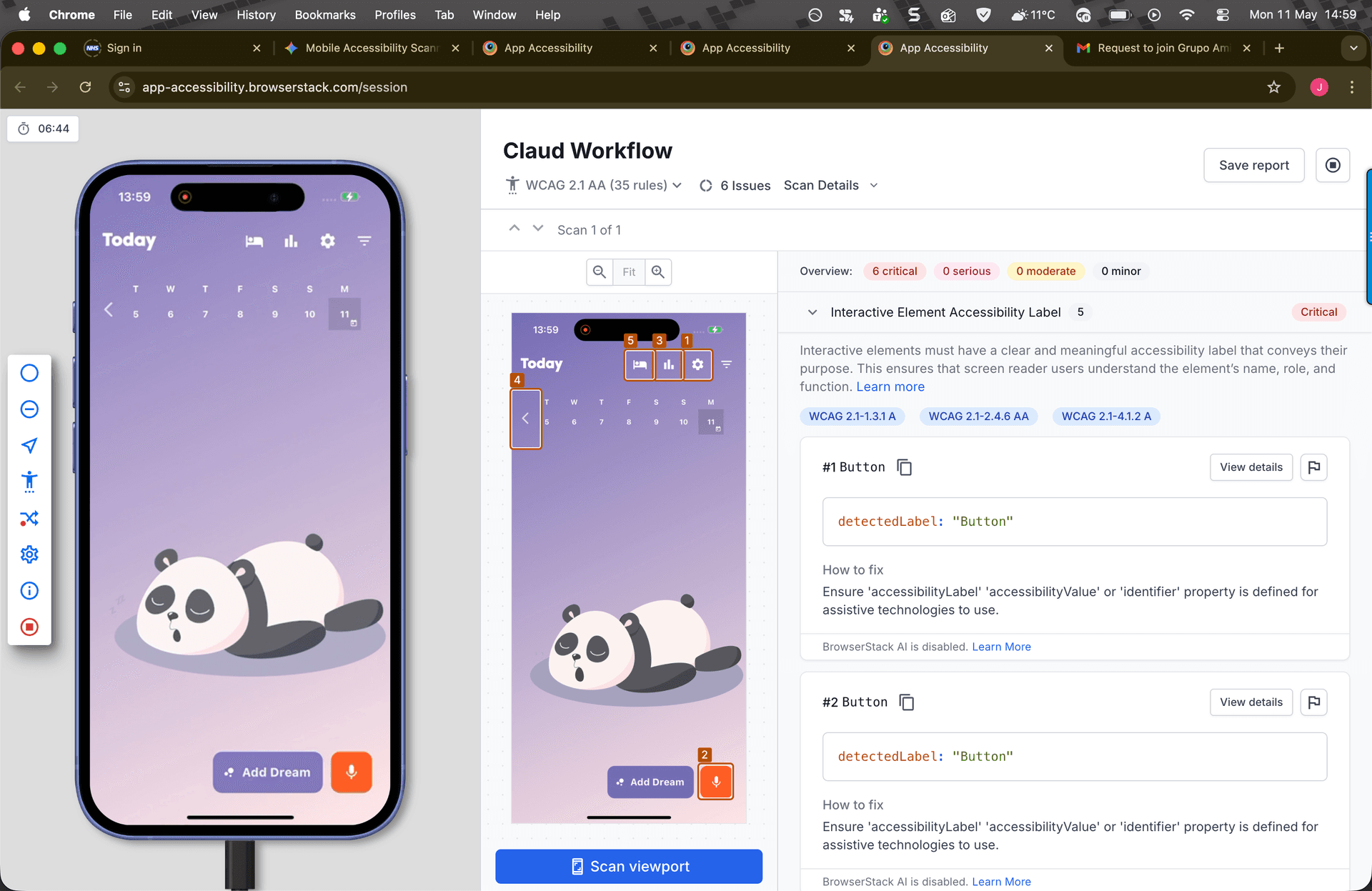
BrowserStack App Accessibility solves one of the biggest real-world pains in mobile development: device fragmentation. You do not need a drawer full of old and new phones to validate accessibility behavior across versions and form factors.
Why I am impressed
- Real-device access without local device inventory headaches
- Fast setup to start guided scans
- Workflow-level testing experience that is practical for distributed teams
I found the workflow very smooth when running app scans and reviewing issue details. It feels like a modern QA layer, not a side utility.
3) The Point-and-Shoot: Google Accessibility Scanner (Android)
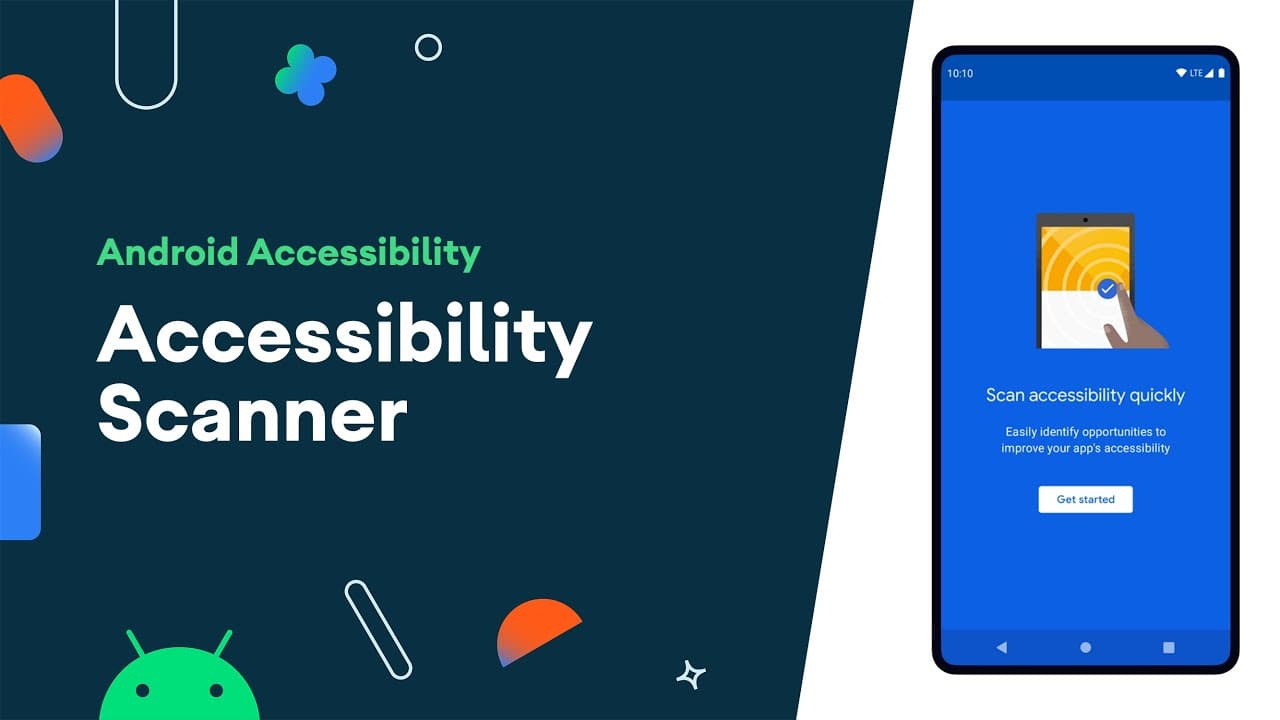
Google Accessibility Scanner remains the easiest entry point for teams that want fast accessibility feedback with almost zero setup. In 2026, that still matters.
It is the tool I recommend when a PM, designer, or QA teammate says, "I want to help with accessibility testing, but I do not write Android code."
How it works
Once enabled, it adds a floating check button. You navigate your app, tap the button, and it analyses the current screen (or a simple flow) using the view hierarchy.
What it catches well
- Tiny touch targets
- Missing or weak content descriptions
- Certain colour contrast issues
The verdict
- Pros: Free, very approachable, great for quick baseline audits.
- Cons: Mostly catches low-hanging fruit; it cannot validate screen reader logic quality end-to-end.
This is the gateway tool. It gets teams started quickly, and that first step is often the hardest.
4) The Modern Professional: axe DevTools Mobile (Cross-Platform)
axe DevTools Mobile is where teams usually level up from ad-hoc checks to a professional accessibility workflow.
What makes it valuable is the bridge it creates between manual testing and automated quality gates. You can still do focused screen-level checks, but you can also wire accessibility scanning into repeatable testing pipelines.
Why it earns its place
- It scales better than one-off manual scans.
- It catches more nuanced issues than basic free scanners.
- It produces reports that engineering teams can action quickly.
When you have both a deadline and a quality bar, this is typically the tool that helps you stay honest.

A Practical Workflow That Actually Works
If you are wondering how to combine these tools without creating process overhead, this sequence is a good default:
- Start with Google Accessibility Scanner (quick Android pass, non-technical friendly)
- Use Xcode Accessibility Inspector for deep iOS semantics and audit checks
- Add axe DevTools Mobile for serious rule coverage and repeatable team workflows
- Use BrowserStack App Accessibility for scalable, cross-device validation in the cloud
That gives you speed first, then depth, then scale.
Important Reality Check
No scanner is a silver bullet.
Automated tools are excellent at catching technical failures, like missing labels or undersized targets. But they are weak at detecting logical failures in actual user experience.
Example: a scanner may accept a label like Button_01. Technically, it has a label. Practically, a screen reader user still has no clue that this control means "Submit Payment."
For the best results:
- Run a scanner first to remove easy technical defects quickly.
- Then turn on TalkBack (Android) or VoiceOver (iOS).
- Try to complete key journeys without looking at the screen.
That is where the real bugs hide.